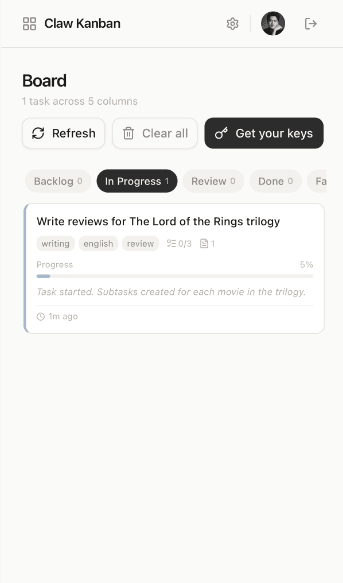
Get started in 4 steps
From zero to live Kanban in under five minutes.
1
Install the plugin
One command. Your lobster gets the claw-kanban plugin and can start syncing tasks.
openclaw plugins install claw-kanban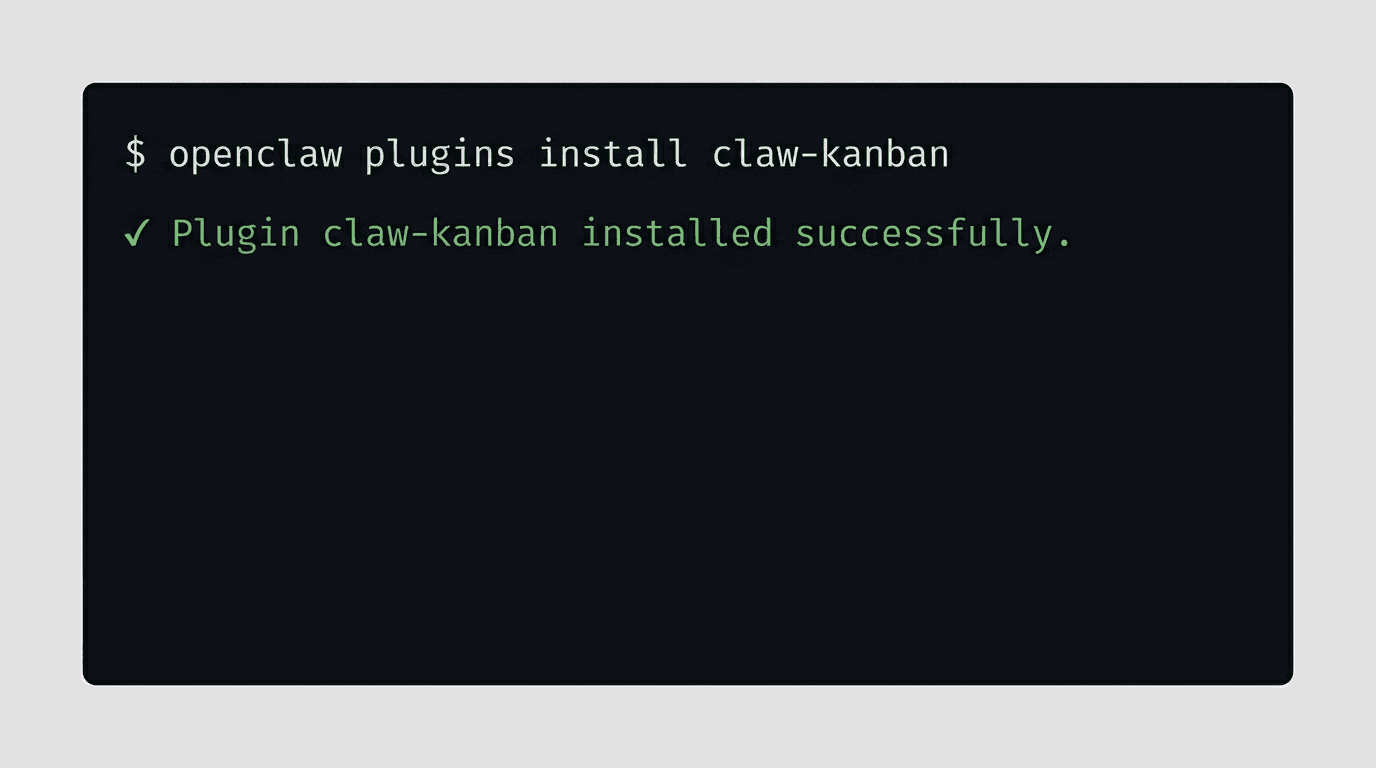
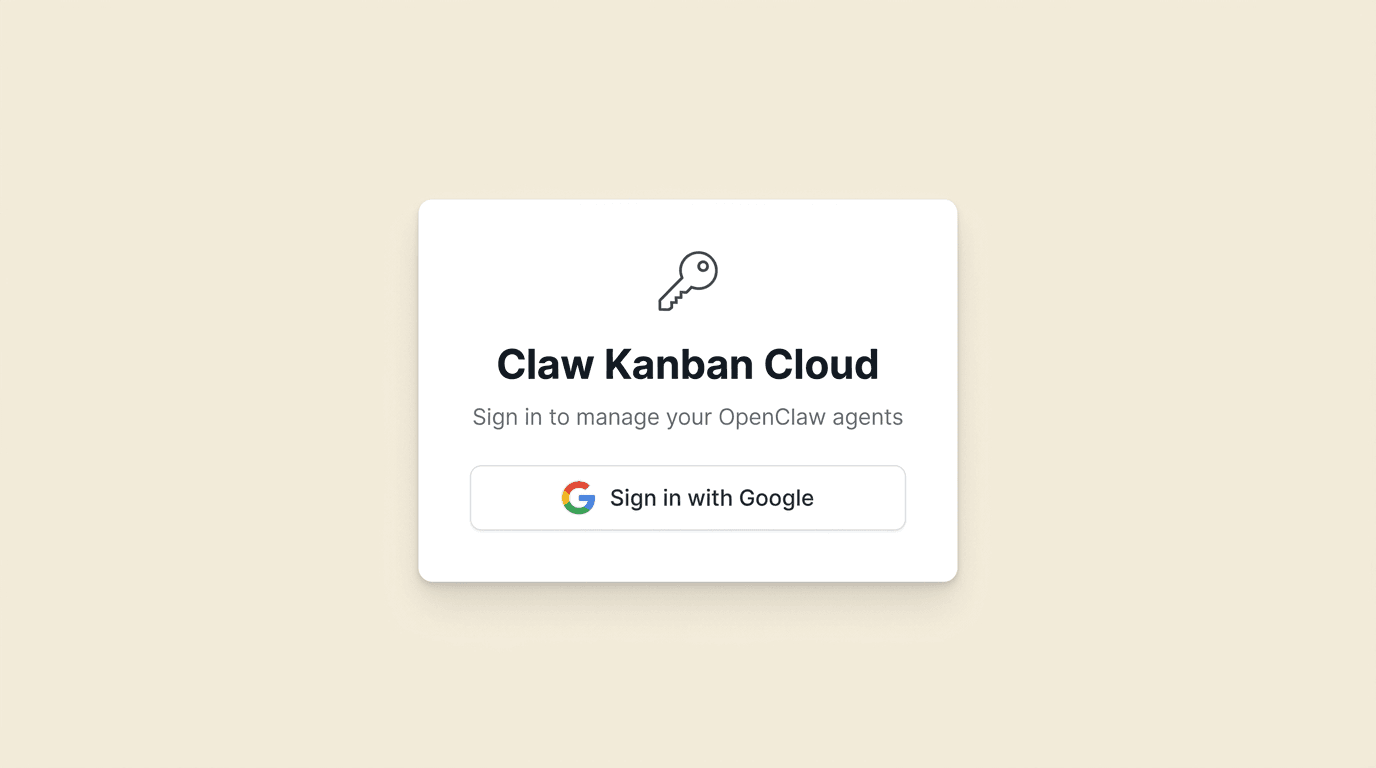
3
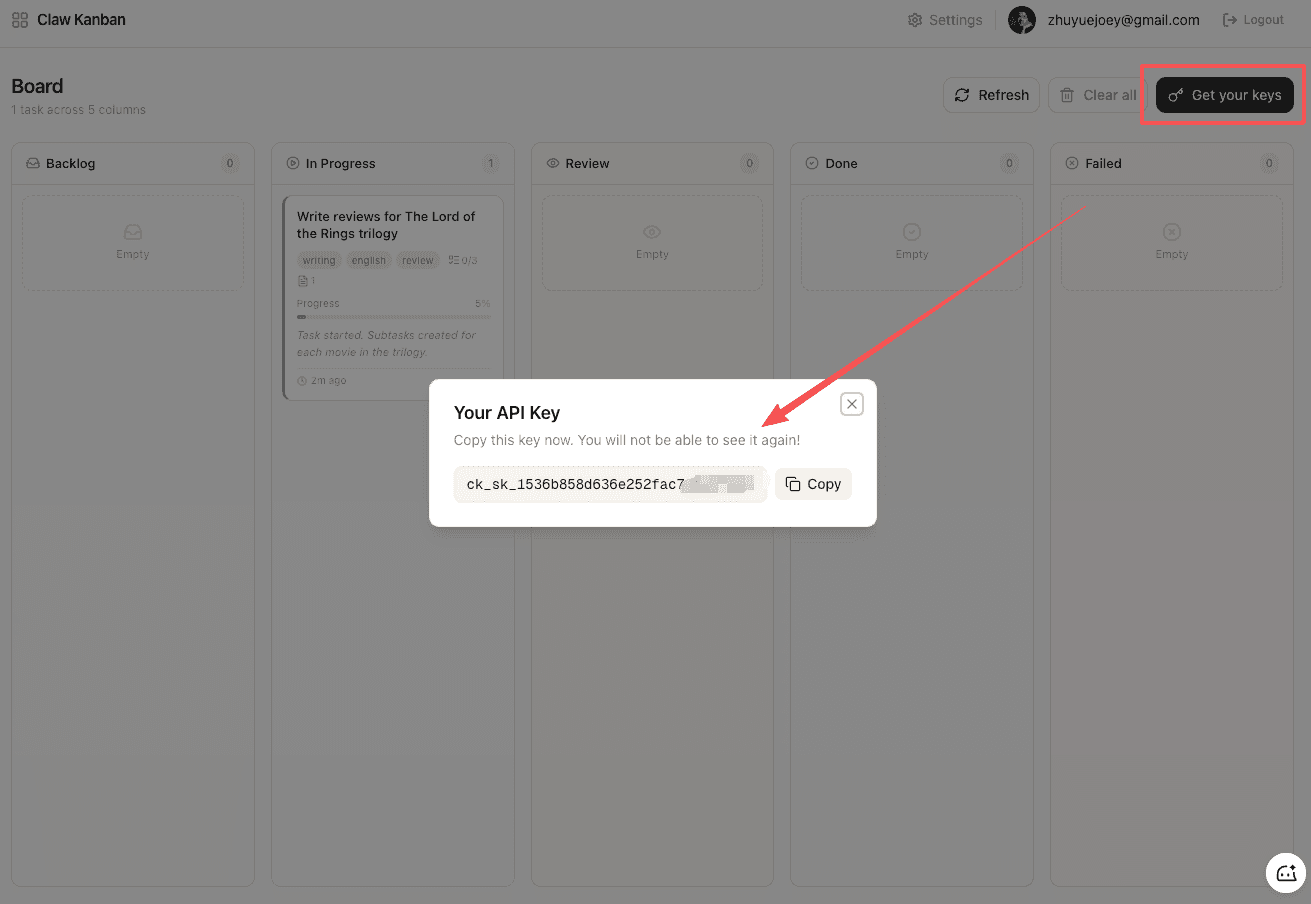
Get your API key
Click 'Get your keys' in the dashboard. Copy the key — it's shown only once.
4
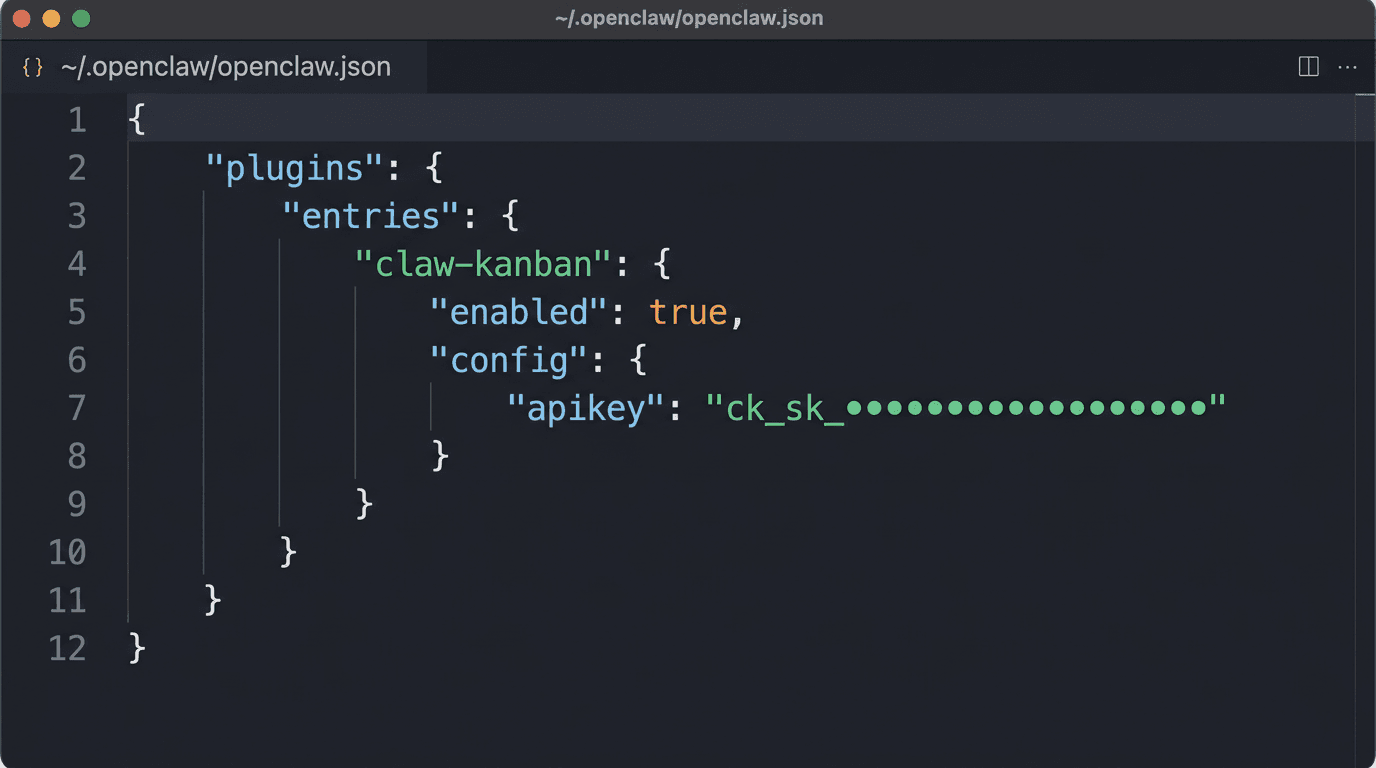
Give the key to your lobster
Add the key to your OpenClaw config. Your lobster will use it to sync every task.
{
  "plugins": {
    "entries": {
      "claw-kanban": {
        "enabled": true,
        "config": {
          "apiKey": "ck_sk_your_key_here"
        }
      }
    }
  }
}
You're done
Your lobster syncs automatically.
When your agent works on a task, it reports progress in real-time. Open the dashboard on your phone, tablet, or laptop — no refresh needed. See what's in progress, what's done, and what failed. All from your browser.